Settings & Configuration
The Settings is your central hub for managing your account, data structure and help resources. You can access these sections by clicking on your Profile icon in the sidebar.
General
This section handles your personal identity and the administrative side of your account.
Account
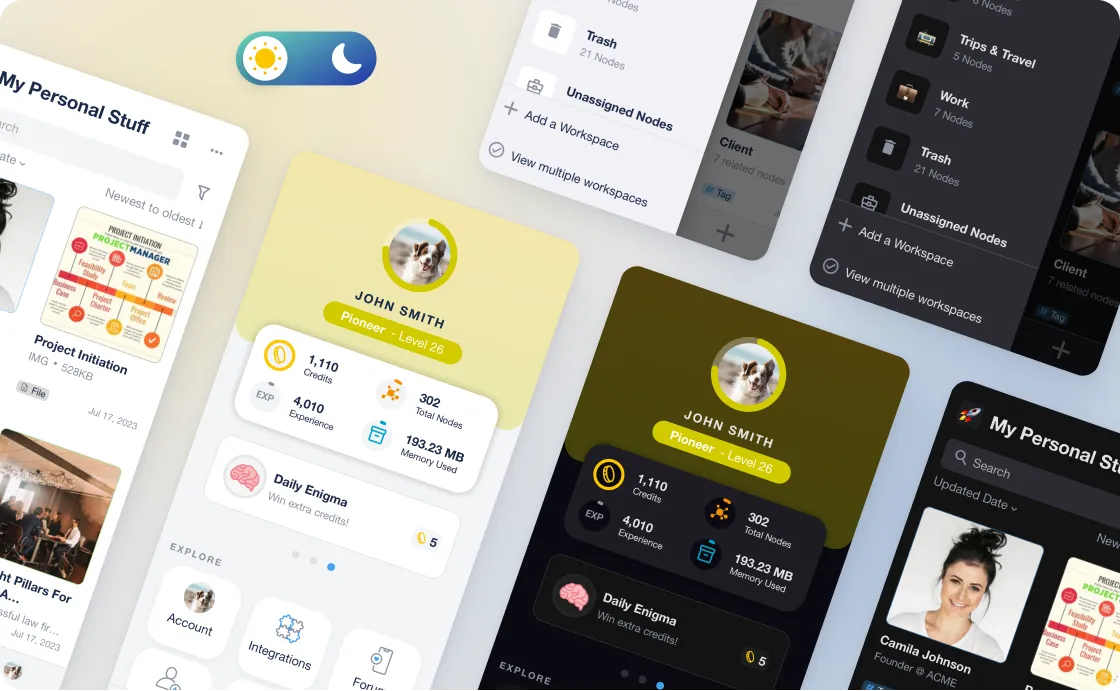
Manage your personal details, change your password, language or update your profile picture. This is also where you can choose the theme of your account (auto, light or dark mode), and choose the mailing & notifications that you receive.
If you ever wanted to delete your account, this is where you would go to delete it.
Usage
Monitor your digital footprint. Track how many Nodes you have created, your total Storage consumption, and your current AI usage (Assistant queries and Genie interactions) for the month.
Share Workspaces
A dedicated space to share Workspaces with others. Remember that only the content contained in the selected Workspaces will be shared, relationships and mentions to other Workspaces will not be shared. Click here to find out more.
Settings
This is where you define the "DNA" of your Knowledge Base and how the AI interacts with your data.
Nodes
Manage your Node Types. You can customise specific features and settings for each, as well as the Properties that appear automatically every time you save information of a specific node type.
Properties
Manage your Global Property Library.
-
Create: Click the "+Create new property" button to add Properties that are useful to your use case
-
Merge: Clean up your data by merging similar properties (e.g., merging "Price" and "Cost").
-
Automation: Toggle the AI-Populated feature for specific Properties, allowing the Assistant to automatically extract data from your documents during the "Learning" process whenever you save new information to your Knowledge Base.
Help
Resources to help you master the power of myReach.
Tutorials
A direct link to our YouTube channel where you will find tutorials videos.
Handbook
A direct link back to this documentation (https://handbook.rea.ch/). If you’re looking for deep dives into specific features or "How-To" guides, this is the place. It's the holy grail of all the information about myReach and how it works.
myReach
About
Check your current App version, read our Terms of Service and Privacy Policy, access our website and blog, and find out more about the mission behind the product.